
Launch OpenVPN from your Start Menu or make a shortcut on your desktop.
Once opened, you should see a screen that looks like this
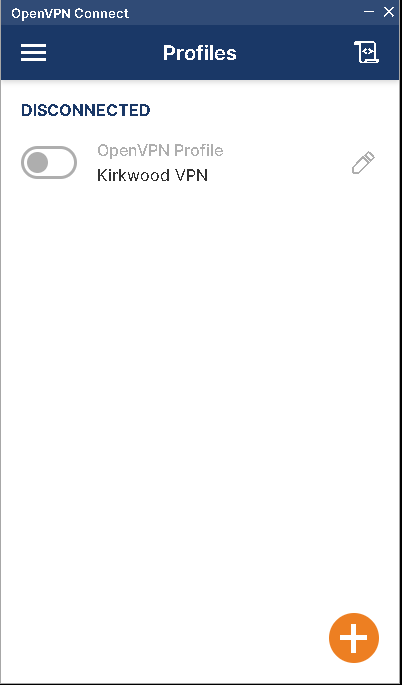
Click the switch to the left of the Kirkwood VPN profile to connect. Note, the profile name will display whatever you typed in Step 4.
Every time you connect, Duo will prompt you on your cell phone. Click "Yes" to complete the connection
Once connected, your screen should look like this
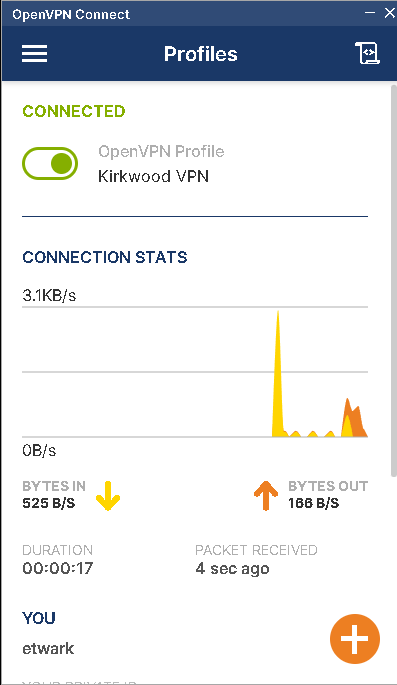
To disconnect, click the same switch at the top (now green).
That's it! You're connected to Kirkwood's VPN
BACK