
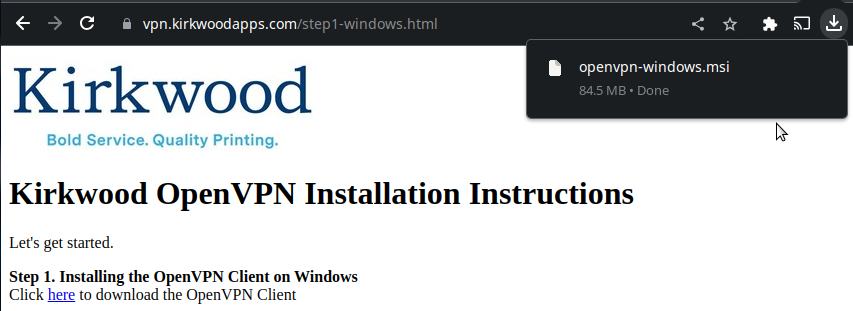
In your browser downloads, you should see the file openvpn-windows.msi that you downloaded in Step 2. Click it
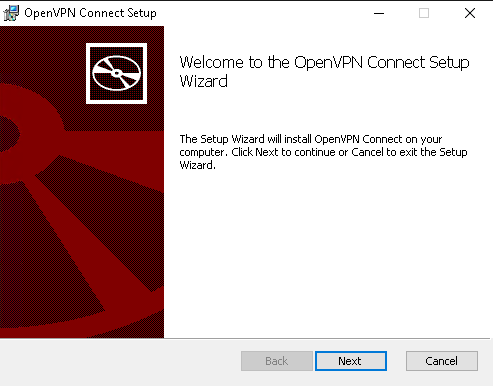
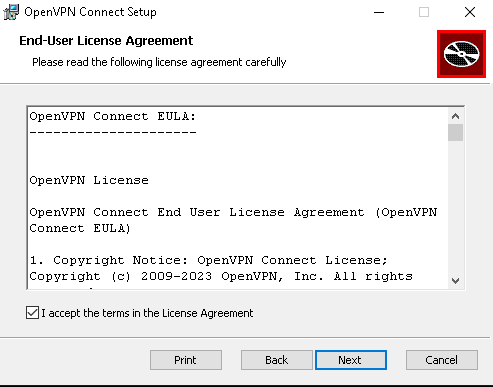
Follow the installation wizard
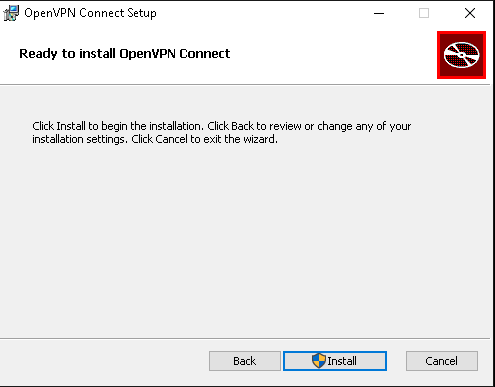
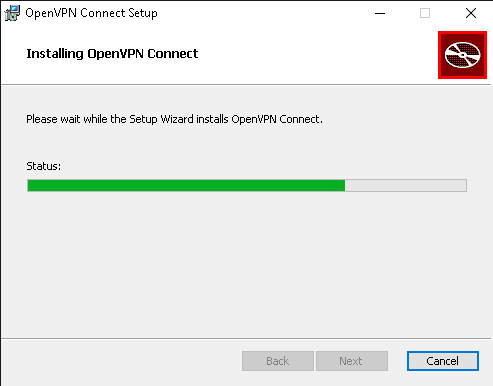
Wait until the install process has completed. It should only take a few seconds.
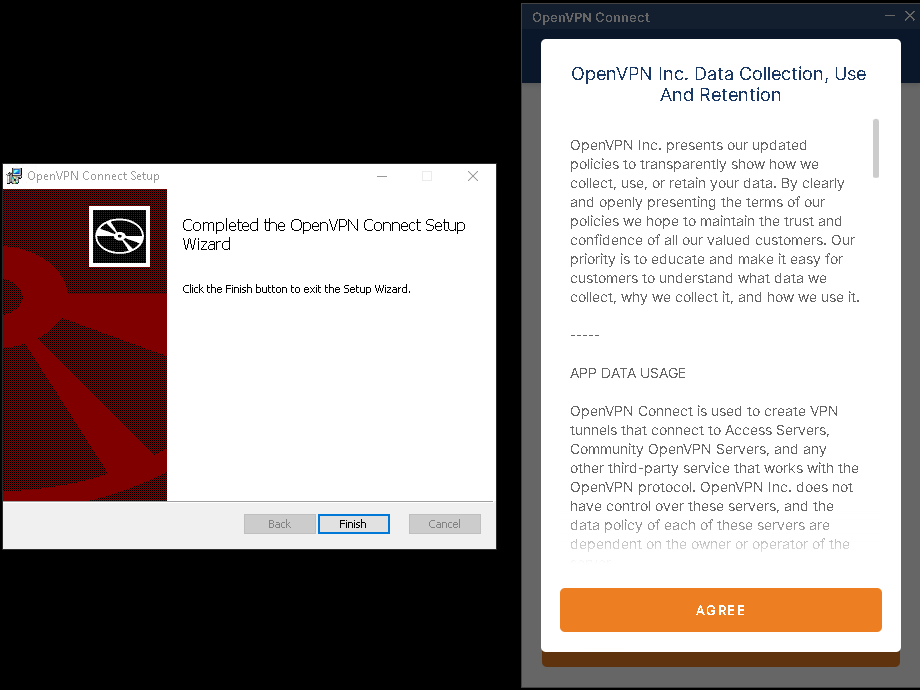
Agree to the terms and click "Finish"
Now let's set up the VPN client
CONTINUE