
First, we need to determine which type of processor your Mac has
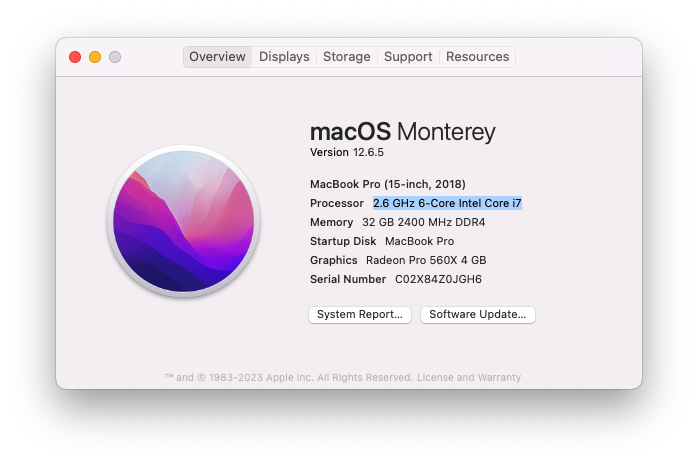
Click the Apple Icon, "About this Mac", "Overview"
An Intel Mac will look something like this:
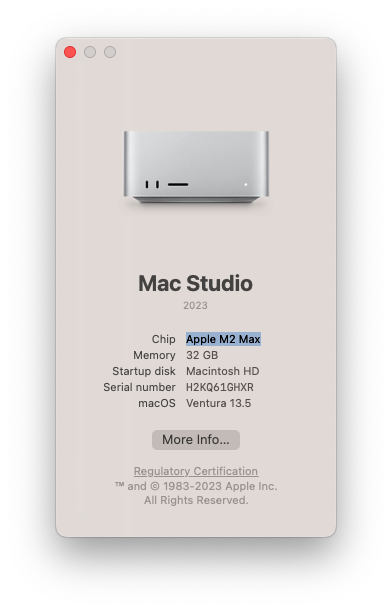
An Apple Silicon Mac will look something like this:
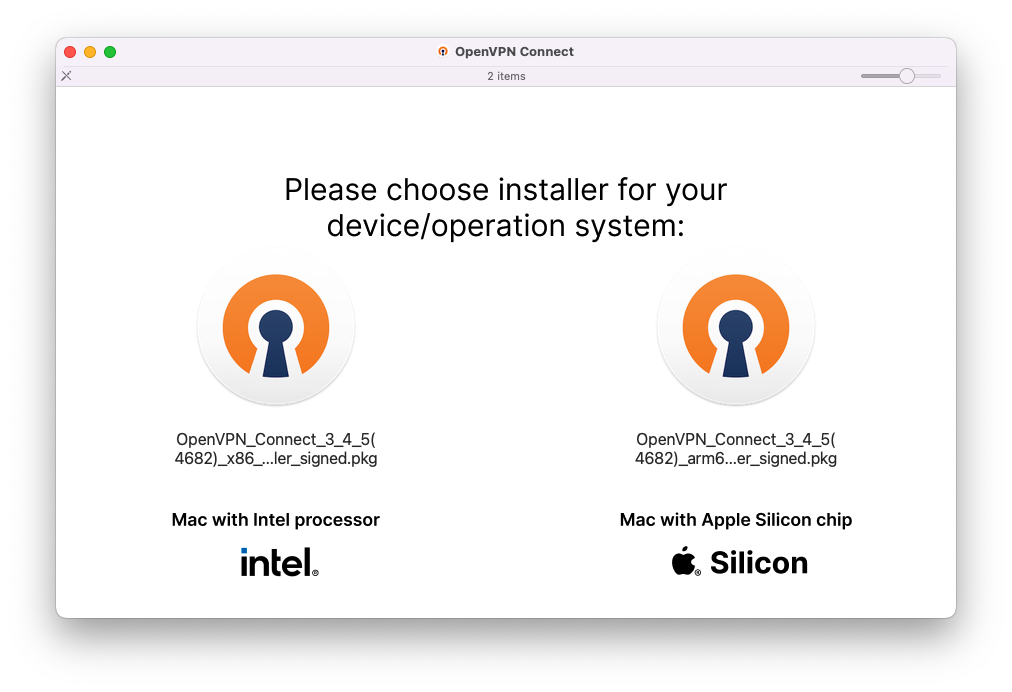
Launch the installer openvpn-mac.dmg you just downloaded.
Select the processor you have (determined from the previous step)
Follow the installation wizard
Now let's set up the VPN client
CONTINUE